Scripture Phone Wallpapers
Keep God's Word in Front of You Every Day
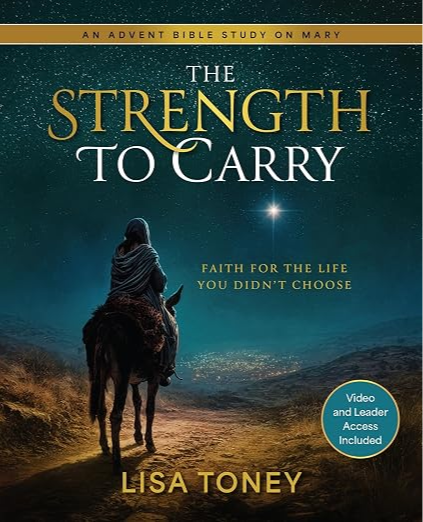
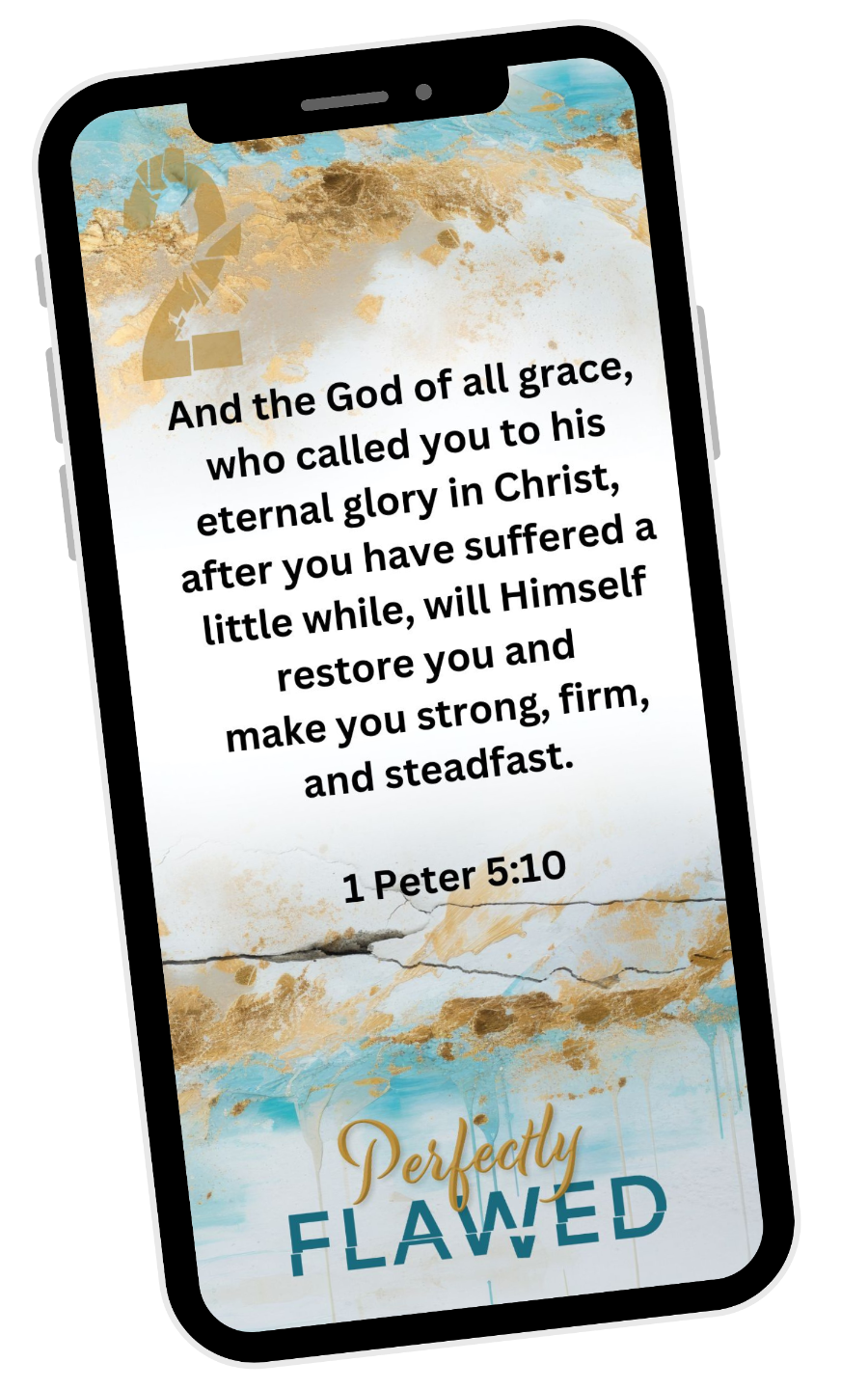
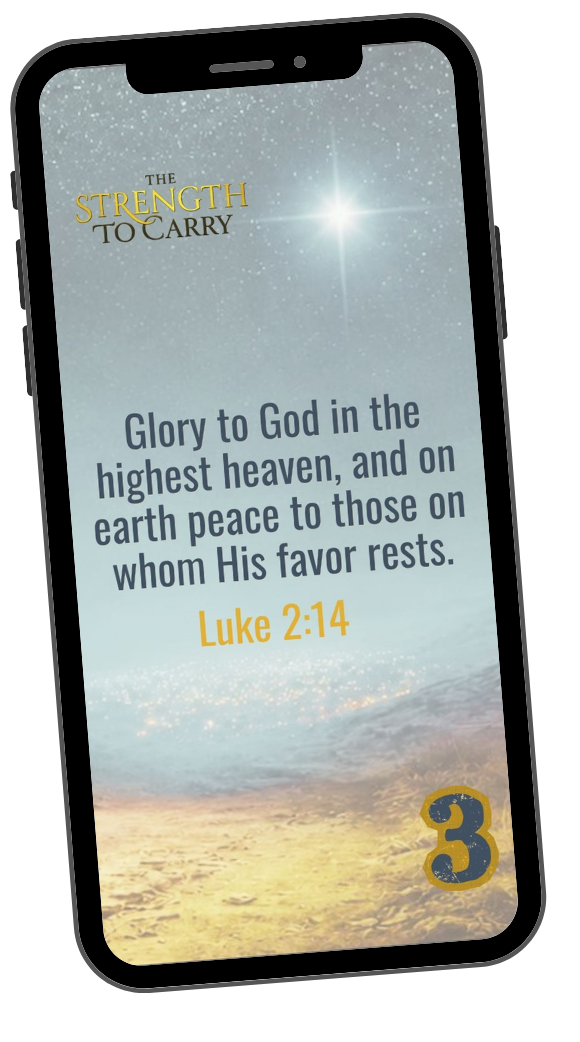
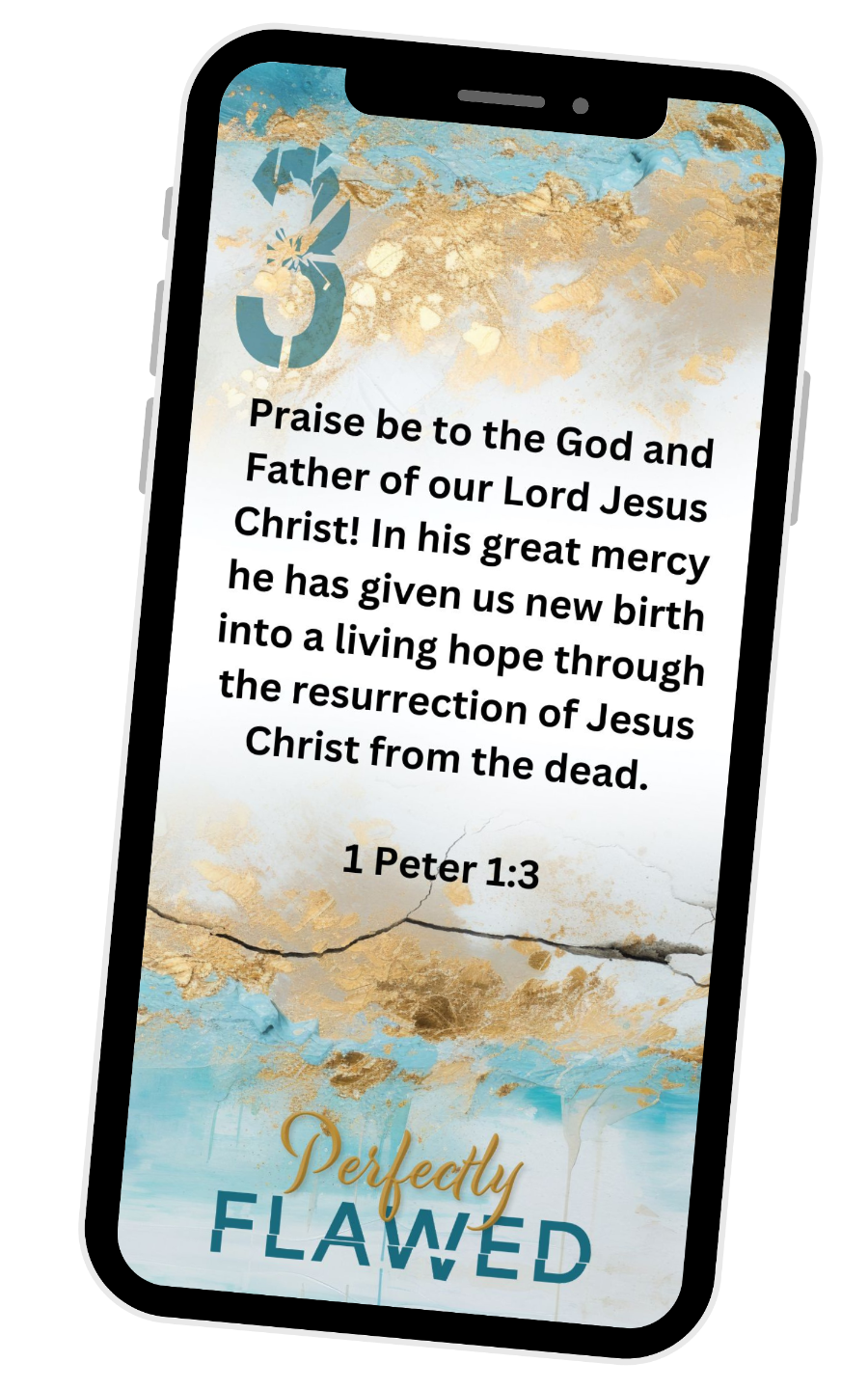
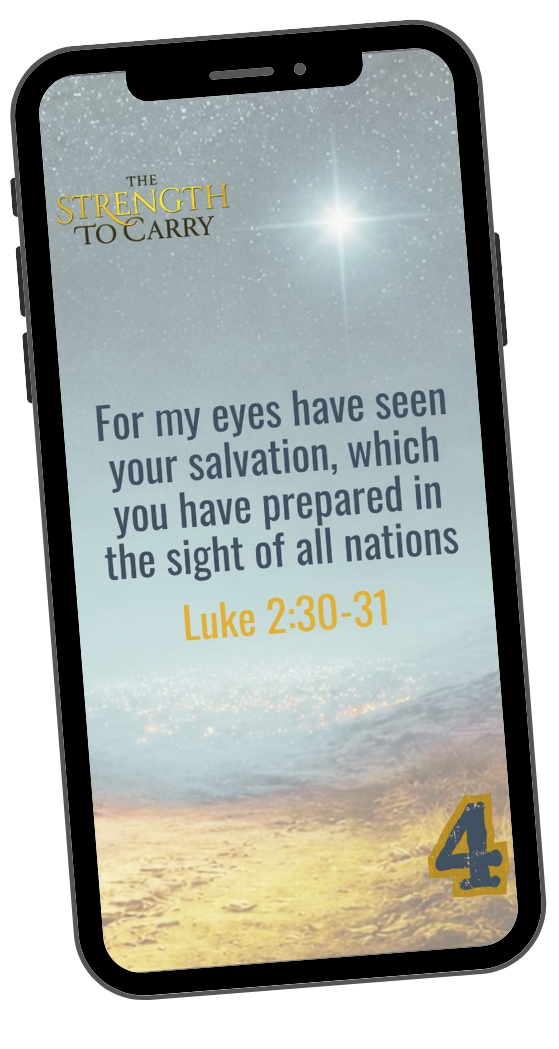
One of the simplest ways to build a daily habit of spending time with God is to place His Word where you'll see it often. Each week, download a beautifully designed phone wallpaper featuring that week's key verse from The Strength to Carry. Every time you unlock your phone, you'll be reminded of God's promises and invited to pause, pray, and refocus your heart on Him.
⬇️ Scroll down to download each week's wallpaper.

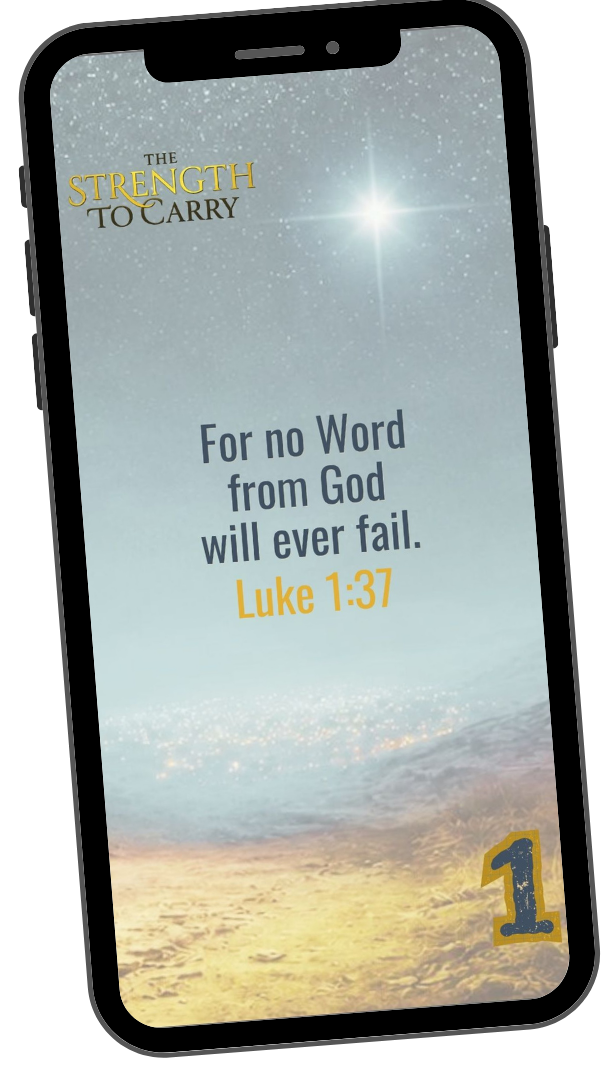

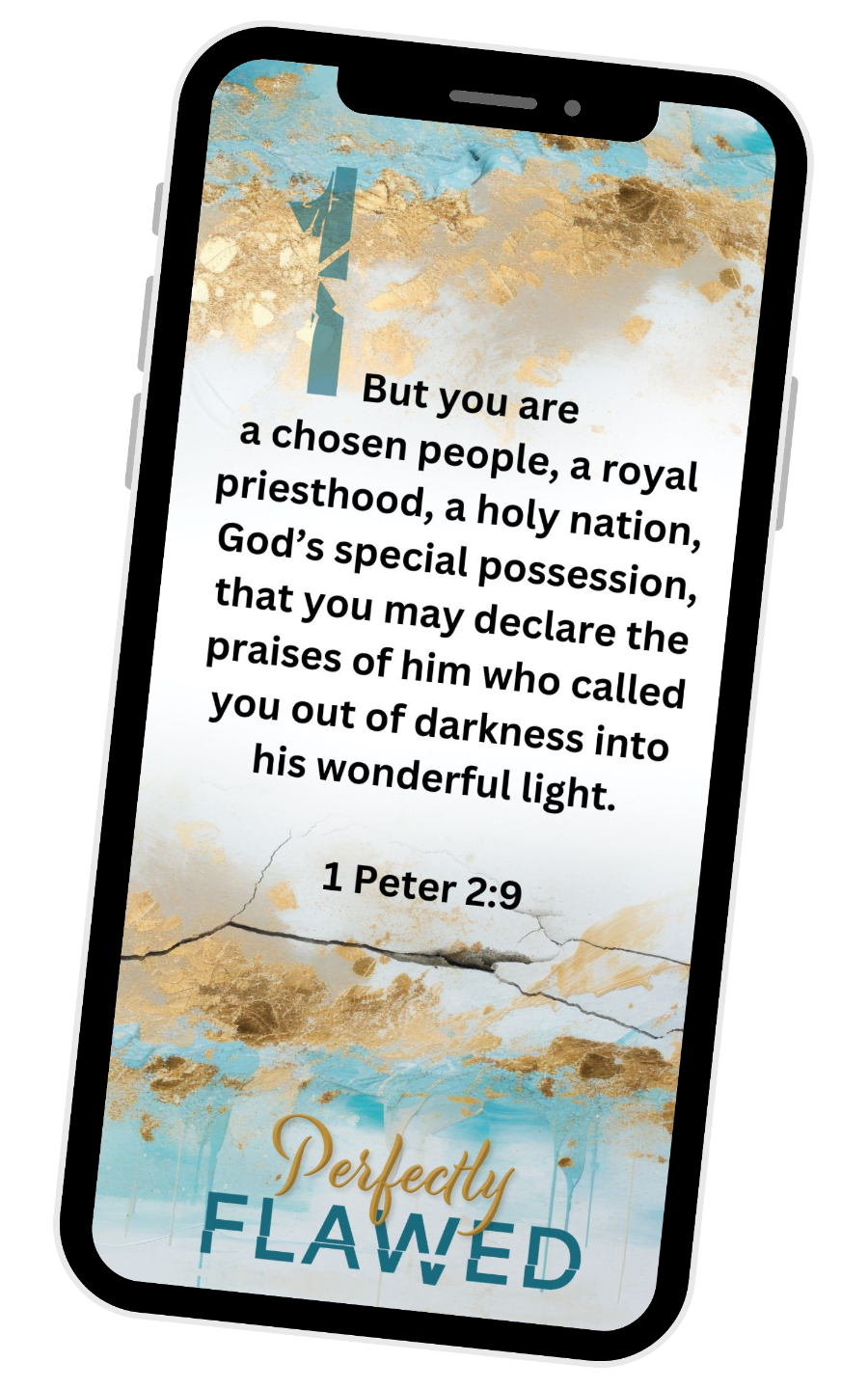
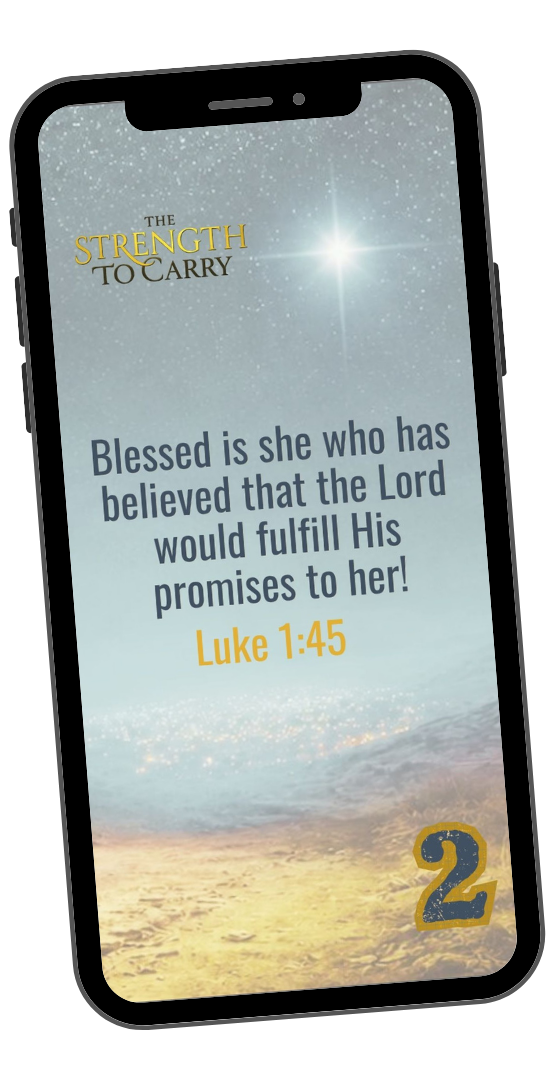
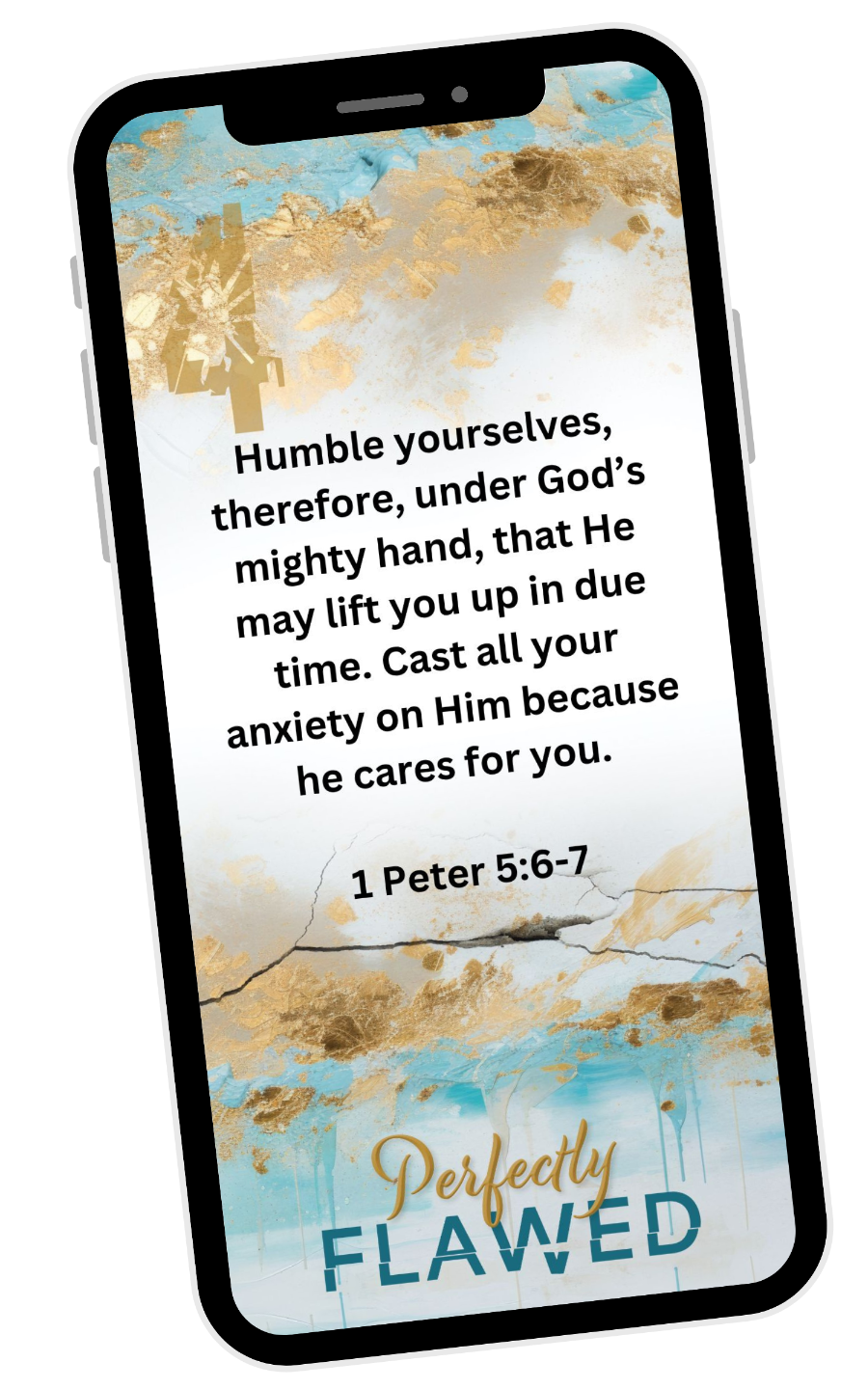
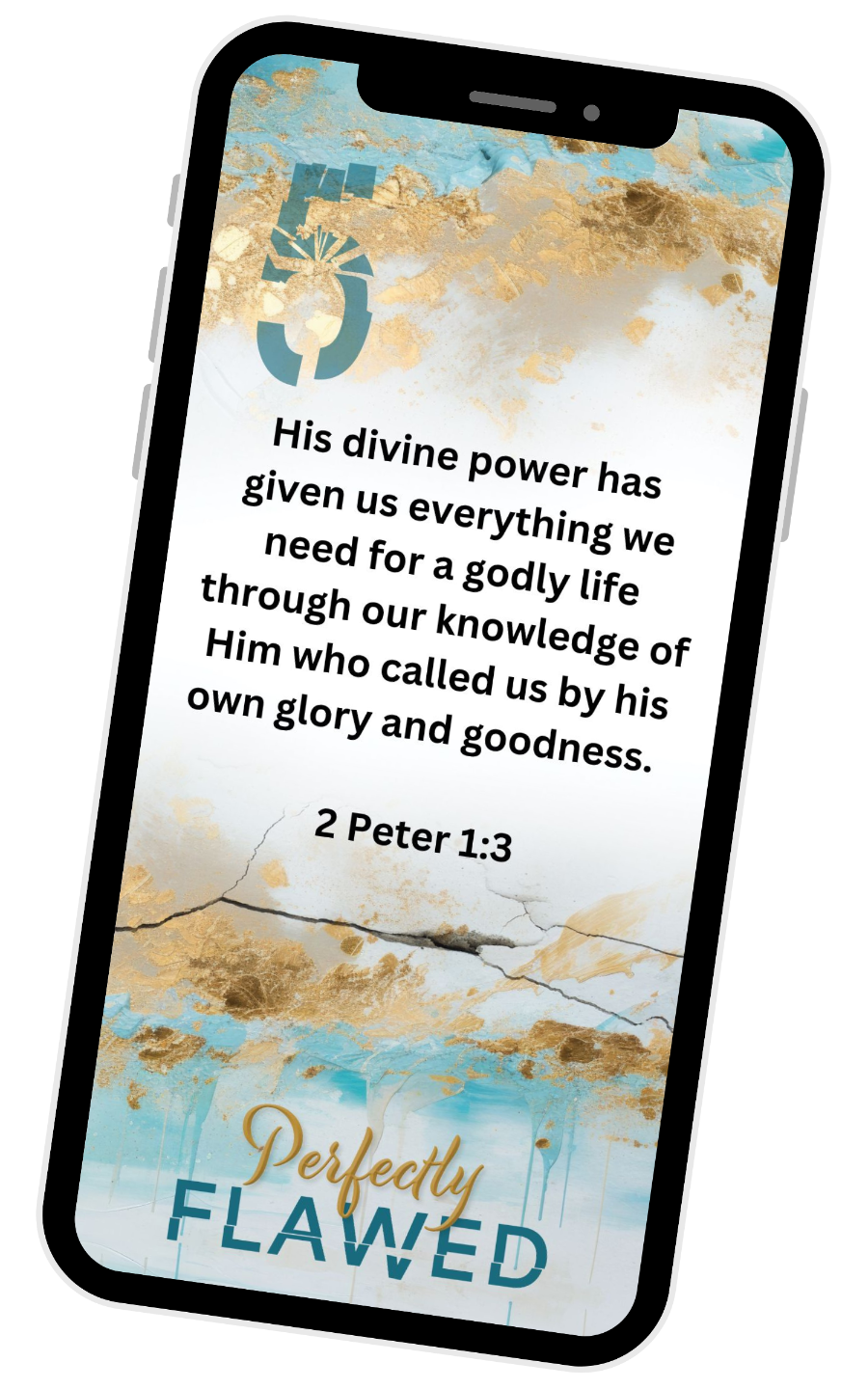
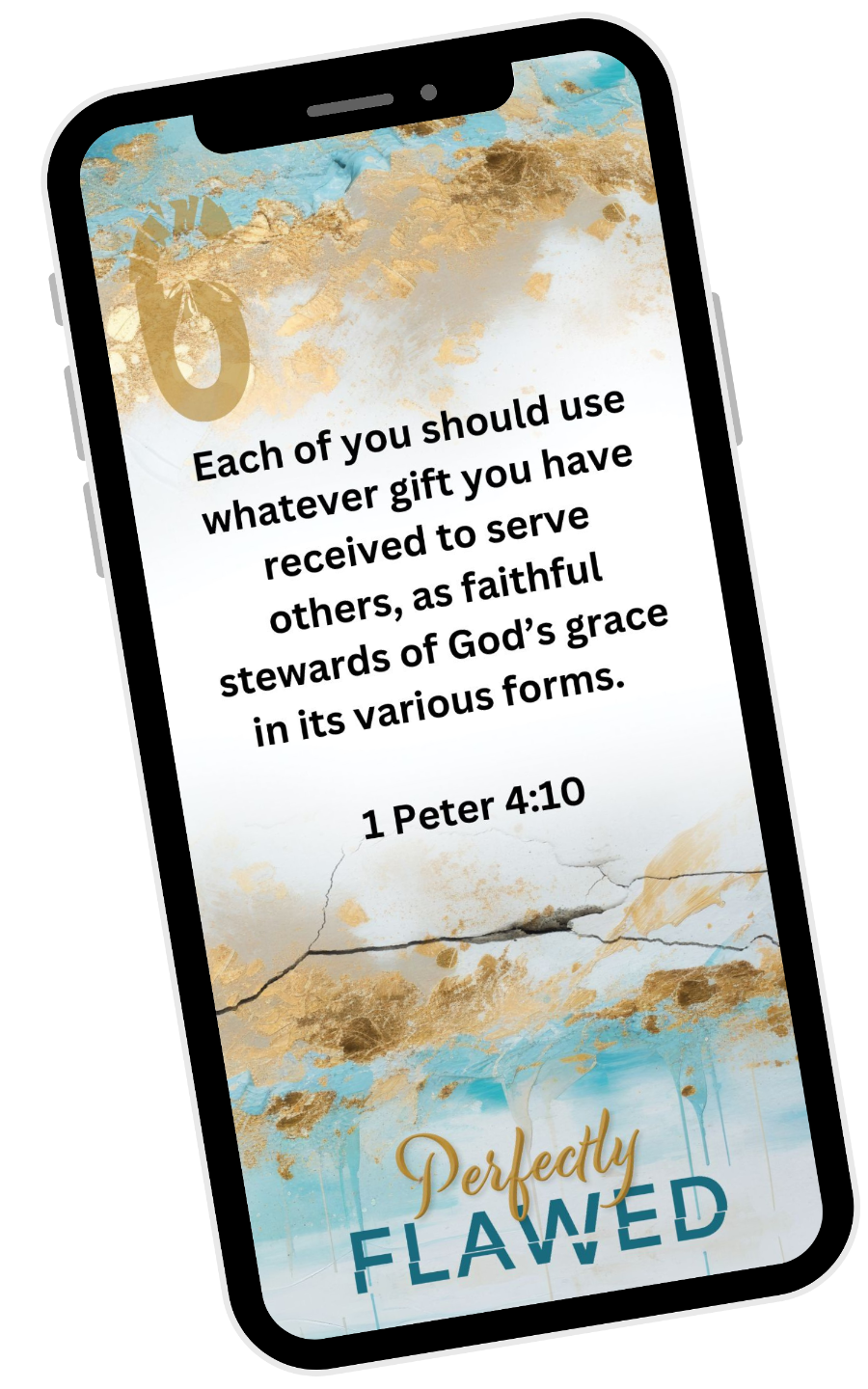
How To Set Scripture Images As Phone Screensaver
1. With your phone, open this web page.
2. Click on each week's access button.
3. When the image pops up, click the image on your screen until the "save to photos" option appears.
4. Click "save to photos"
5. iPhone: You can change your wallpaper by going to Settings > Wallpaper. You can choose to add your own photo from your photos.
6. Android: You can change your wallpaper by touching and holding an empty space on your home screen, then tapping Wallpaper & style or Wallpapers. You can choose from your own photos. You can also set your wallpaper to appear on your home screen, lock screen, or both.